
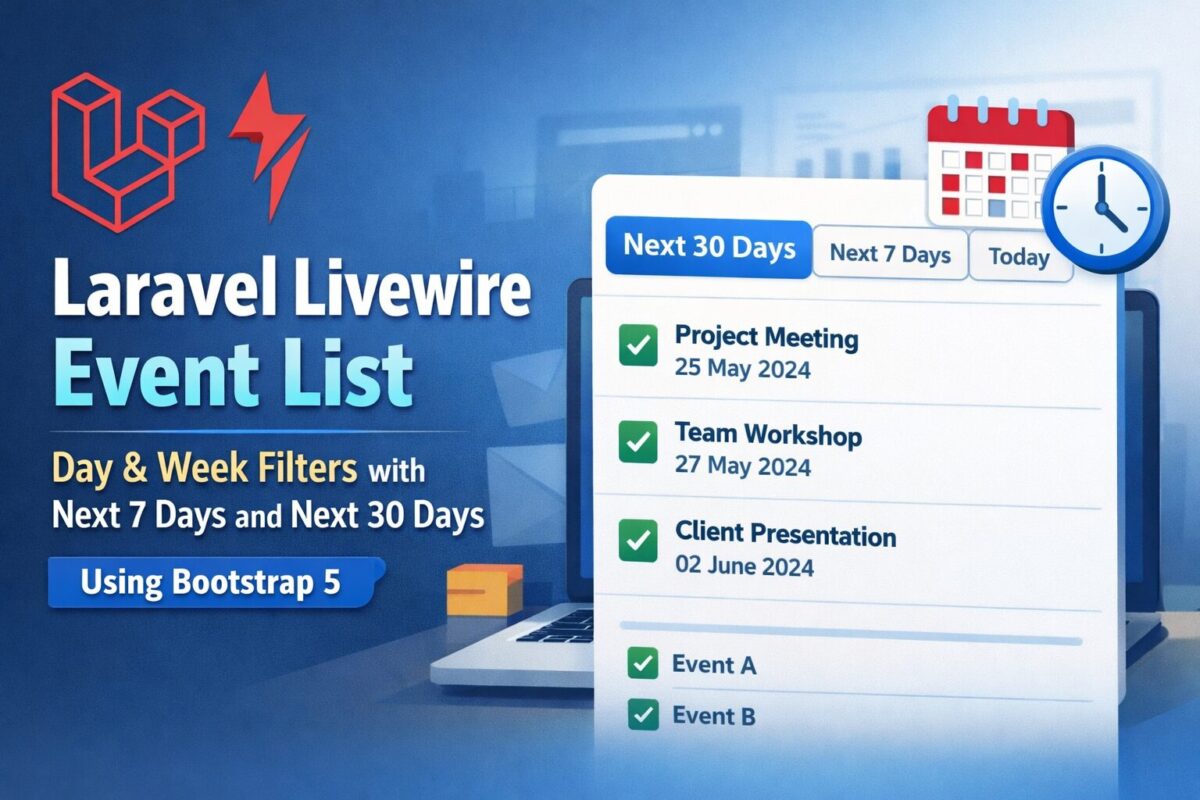
Building a dynamic Laravel Livewire event list with date-based filters is a common requirement for dashboards, admin panels, and booking systems.
In this tutorial, you’ll learn how to create a Livewire event list with Today, Next 7 Days, and next 30 Days filters, styled using Bootstrap 5, without page reloads.
Prerequisites
Before starting, make sure you have:
- Laravel 10+
- Livewire installed
- Bootstrap 5 included in your project
- Basic knowledge of Laravel models and Blade templates
Step 1: Create Events Table
Before building the Livewire component, we need a proper database table to store events. This migration ensures date-based filtering works correctly for today, next 7 days, and next 30 days views.
Run the following artisan command to generate migration:
php artisan make:migration create_events_tableIt will create xxxx_xx_xx_xxxxxx_create_events_table.php migration file inside database/migrations folder. Open the generated migration file and update it as follows:
<?php

use Illuminate\Database\Migrations\Migration;
use Illuminate\Database\Schema\Blueprint;
use Illuminate\Support\Facades\Schema;

return new class extends Migration {
    public function up(): void
    {
        Schema::create('events', function (Blueprint $table) {
            $table->id();
            $table->string('title');
            $table->text('description')->nullable();
            $table->date('event_date');
            $table->timestamps();

            // Performance optimization for date filtering
            $table->index('event_date');
        });
    }

    public function down(): void
    {
        Schema::dropIfExists('events');
    }
};
Execute the migration using:
php artisan migrateIt will create events table in your project database.
Step 2: Create the Livewire Component
Run the following artisan command:
php artisan make:livewire EventListThis will generate following 2 files:
app/Livewire/EventList.phpresources/views/livewire/event-list.blade.php
Step 3: Livewire Component Logic
Open app/Livewire/EventList.php and add the following code:
<?php

namespace App\Livewire;

use Livewire\Component;
use App\Models\Event;

class EventList extends Component
{
    public string $mode = 'month'; // month | week | day

    public function mount()
    {
        $this->mode = 'month';
    }

    public function showMonth()
    {
        $this->mode = 'month';
    }

    public function showWeek()
    {
        $this->mode = 'week';
    }

    public function showDay()
    {
        $this->mode = 'day';
    }

    public function getEventsProperty()
    {
        return match ($this->mode) {

            // Today only
            'day' => Event::whereDate('event_date', today())
                ->orderBy('event_date')
                ->get(),

            // Next 7 days (today + next 6 days)
            'week' => Event::whereDate('event_date', '>=', today())
                ->whereDate('event_date', '<=', today()->copy()->addDays(6))
                ->orderBy('event_date')
                ->get(),

            // Last 30 days (default)
            default => Event::whereDate('event_date', '<=', today()->addDays(30))
                ->orderBy('event_date')
                ->get(),
        };
    }

    public function render()
    {
        return view('livewire.event-list');
    }
}
Why We Use whereDate()
- Prevents time-related filtering bugs
- Works correctly for both
DATEandDATETIME - Avoids issues where week filters accidentally show all events
Step 4: Blade View Using Bootstrap 5
Add following code to resources/views/livewire/event-list.blade.php :
<div>

    <!-- Filter Buttons -->
    <div class="btn-group mb-3" role="group">
        <button
            wire:click="showMonth"
            class="btn {{ $mode === 'month' ? 'btn-primary' : 'btn-outline-primary' }}">
            Next 30 Days
        </button>

        <button
            wire:click="showWeek"
            class="btn {{ $mode === 'week' ? 'btn-primary' : 'btn-outline-primary' }}">
            Next 7 Days
        </button>

        <button
            wire:click="showDay"
            class="btn {{ $mode === 'day' ? 'btn-primary' : 'btn-outline-primary' }}">
            Today
        </button>
    </div>

    <!-- Events List -->
    <div class="card">
        <div class="list-group list-group-flush">
            @forelse ($this->events as $event)
                <div class="list-group-item">
                    <div class="d-flex justify-content-between align-items-center">
                        <h6 class="mb-1">{{ $event->title }}</h6>
                        <small class="text-muted">
                            {{ \Carbon\Carbon::parse($event->event_date)->format('d M Y') }}
                        </small>
                    </div>

                    @if($event->description)
                        <p class="mb-0 text-muted small">
                            {{ $event->description }}
                        </p>
                    @endif
                </div>
            @empty
                <div class="list-group-item text-center text-muted py-4">
                    No events found
                </div>
            @endforelse
        </div>
    </div>

</div>
Step 5: Use the Component
To add the Livewire component, add the following code anywhere in your Blade file:
<livewire:event-list />Final Result
- Loads next 30 days by default
- Shows today’s events instantly
- Displays next 7 days events correctly
- No page reloads
- Clean Bootstrap UI
Conclusion
This Livewire + Bootstrap solution is perfect for dashboards, admin panels, and public event listings. It’s easy to extend with pagination, previous/next navigation, or even a calendar view.