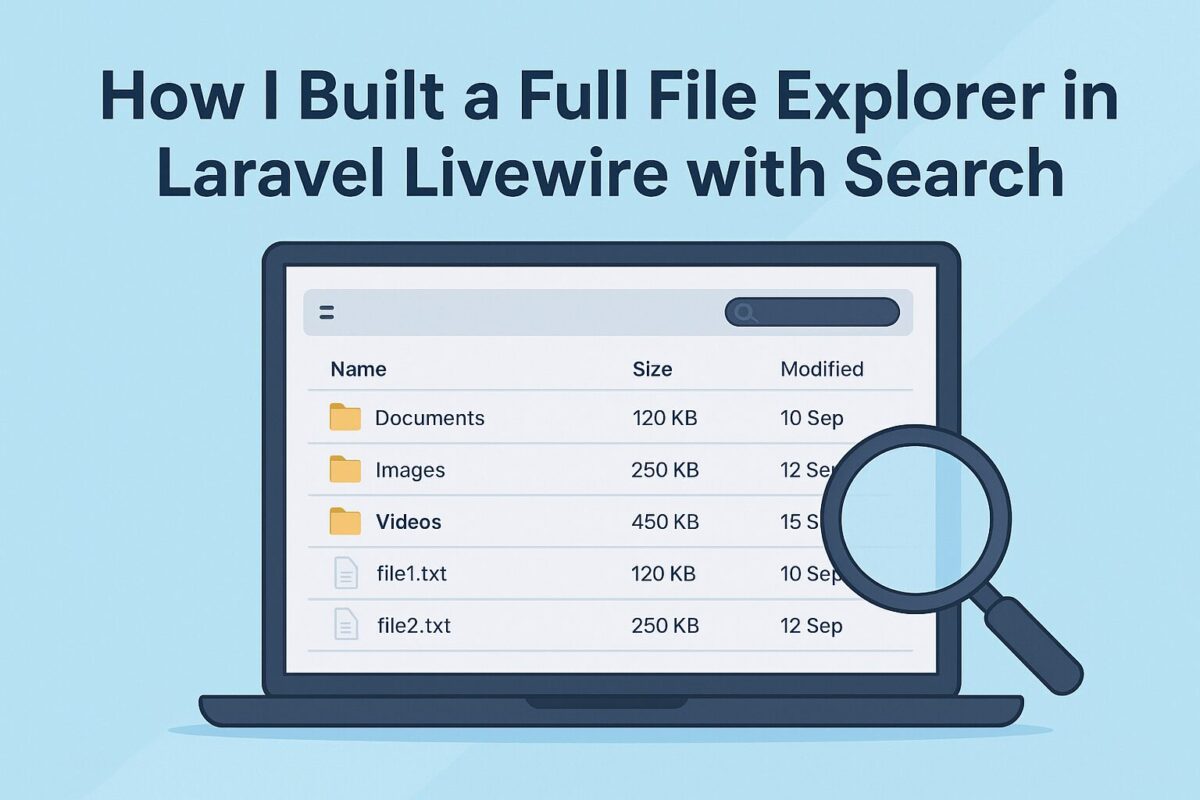
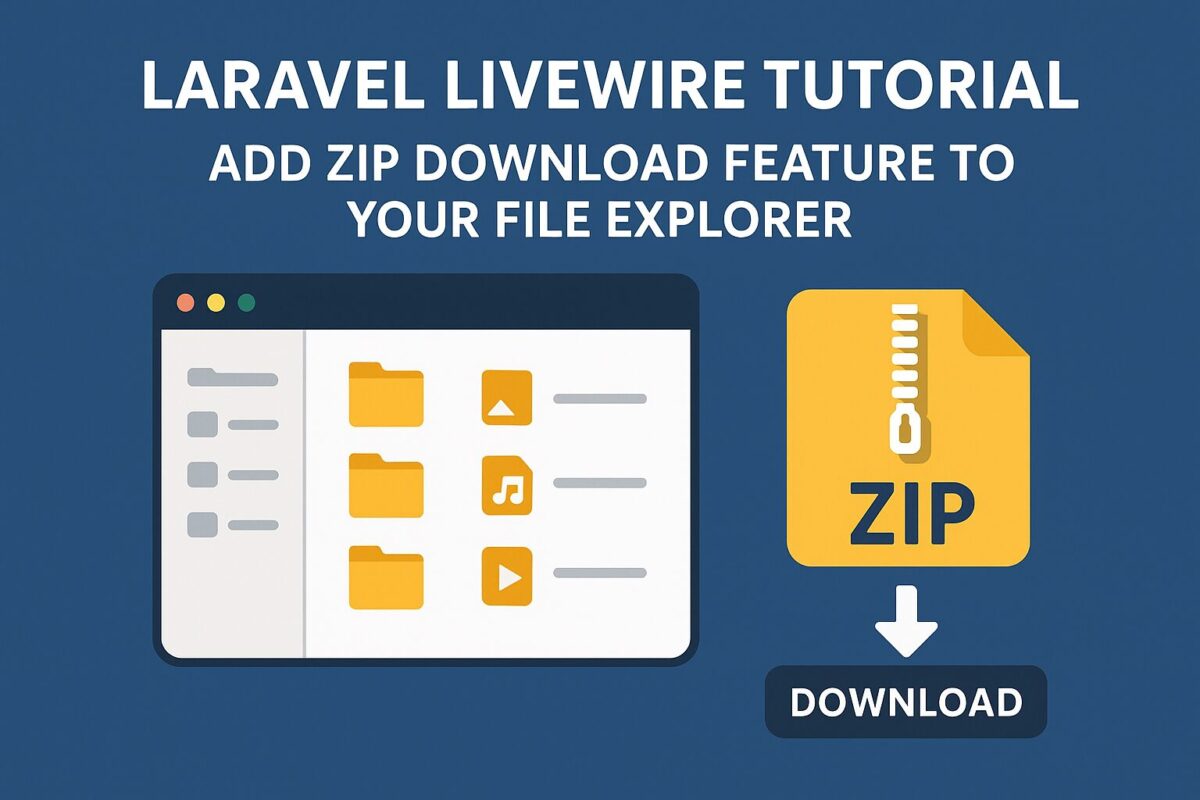
When I first built a file explorer using Laravel Livewire, browsing and viewing documents worked great — but there was one feature missing: a simple way to download everything at once.
In this article, I’ll show you how I added a “Download” button that compresses every file in a folder (even grouped by document type) into a single ZIP, ready for instant download. Using just a few lines of code with Laravel’s Storage facade and PHP’s ZipArchive, you’ll learn how to turn your file explorer into a fully functional, production-ready document manager.
Step 1. Preparing Your Storage
All documents are stored inside:
storage/app/public/documents/and referenced in the database via a file_path column.
Make sure your storage is linked:
php artisan storage:linkStep 2. Update the Livewire Component
Open your ApplicationExplorer Livewire component and add the following import statements at the top:
use Illuminate\Support\Facades\Storage;
use ZipArchive;
Then add the new method:
public function downloadAppDocuments($appId)
{
    $app = \App\Models\Application::with('documents')->findOrFail($appId);

    if ($app->documents->isEmpty()) {
        session()->flash('message', 'No documents to download for this application.');
        return;
    }

    $zipFileName = 'application_' . $app->id . '_documents.zip';
    $zipPath = storage_path('app/temp/' . $zipFileName);

    // Make sure temp directory exists
    if (!file_exists(storage_path('app/temp'))) {
        mkdir(storage_path('app/temp'), 0777, true);
    }

    $zip = new ZipArchive;
    if ($zip->open($zipPath, ZipArchive::CREATE | ZipArchive::OVERWRITE) === TRUE) {
        foreach ($app->documents as $doc) {
            // Access the public disk
            if (Storage::disk('public')->exists($doc->file_path)) {
                // Add subfolder by document type (optional)
                $folder = $doc->type ? $doc->type . '/' : '';
                $zip->addFile(
                    Storage::disk('public')->path($doc->file_path),
                    $folder . basename($doc->file_path)
                );
            }
        }
        $zip->close();
    }

    return response()->download($zipPath)->deleteFileAfterSend(true);
}
How It Works
- The method loads the selected application with all its documents.
- It creates a temporary ZIP file in
storage/app/temp. - It loops through each document, checking if it exists on the public disk.
- Each document is added to the ZIP file, optionally organized into subfolders based on document type.
- Finally, Laravel’s
response()->download()streams the file to the user and deletes it after sending.
Step 3. Add the “Download” Button in the UI
In your Livewire Blade view (application-explorer.blade.php), add this button next to the search bar:
<button wire:click="downloadAppDocuments({{ $selectedApp->id }})"
        class="btn btn-success">
    Download
</button>
Or, if you prefer to show it beside each folder in the sidebar, update your partial (sidebar-app.blade.php):
<button wire:click.stop="downloadAppDocuments({{ $app->id }})"
        class="btn btn-sm btn-outline-primary me-2"
        title="Download all documents">
    ⬇️
</button>
The .stop modifier ensures this button doesn’t also trigger folder selection.
Step 4. Organizing Documents by Type
If you store files based on type (like invoices, reports, letters), your upload logic should look like this:
$file->store("applications/{$applicationId}/" . strtolower($type), 'public');Then, in the ZIP creation logic, the $doc->type value creates the corresponding subfolder inside the ZIP.
Example folder structure in ZIP:
application_3_documents.zip
├── invoices/
│   ├── invoice1.pdf
│   └── invoice2.pdf
├── reports/
│   └── report1.pdf
└── letters/
    └── letter1.pdf
Step 5. Handling Missing Files Gracefully
If a document record exists but the file is missing from storage, Storage::disk('public')->exists() safely skips it.
You can also log missing files for auditing:
if (!Storage::disk('public')->exists($doc->file_path)) {
    \Log::warning("Missing file: {$doc->file_path}");
    continue;
}
Step 6. Testing the Download
- Select a folder in your explorer.
- Click “Download All”.
- A
.zipfile should download automatically. - Extract it — files are grouped by type (if configured).
If you see “file not found” messages, verify:
- The
file_pathin the database points todocuments/... - The disk is correctly set in
.env:
FILESYSTEM_DISK=publicConclusion
And just like that, your Laravel Livewire file explorer now has the power to download everything in one click. No extra packages, no complicated setup — just smart use of Laravel’s Storage facade and PHP’s native ZipArchive.
This simple addition dramatically improves user experience, especially when handling large sets of documents. It also showcases how flexible Livewire can be for real-time, interactive Laravel apps.
From here, you can expand even further: add selective downloads, handle nested folders recursively, or generate temporary signed URLs for secure file sharing. With this foundation in place, your file explorer isn’t just a viewer anymore — it’s a complete, dynamic file management solution.