
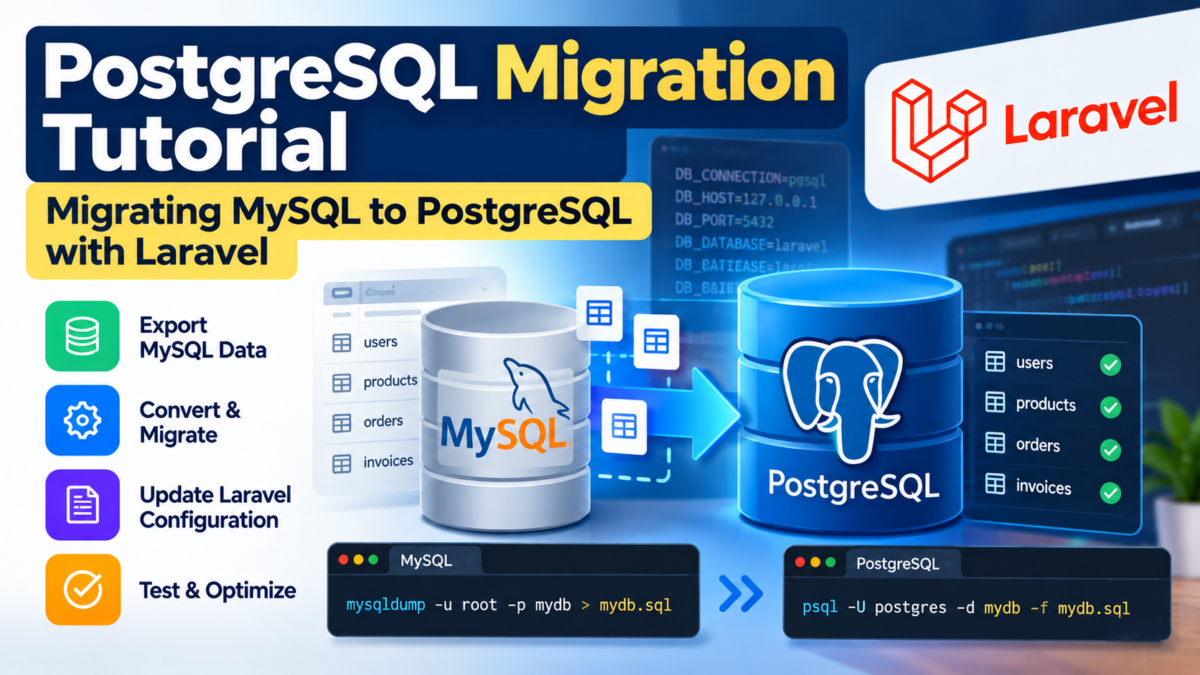
When running complex analytical or transactional queries on a growing MySQL database, query execution times can spike or lock entire tables, leaving developers searching for better performance. Migrating your Laravel application to PostgreSQL unlocks advanced indexing (GIN, GiST, BRIN), powerful JSONB operations, and robust concurrency control.
Migrating a production database between two distinct database engines requires more than just changing an environment variable. MySQL and PostgreSQL use different SQL dialects, data types, and constraint rules. In this tutorial, you will learn how to prepare your MySQL database, install required tools, properly migrate schema and records using automated tools like pgloader, configure Laravel 11 for PostgreSQL, update constraints, and validate data integrity.
Preparing Your MySQL Database for Export
Before migrating any data, audit your existing MySQL database to identify dialect differences that might complicate the migration.
Start by inspecting your tables for custom MySQL data types and index configurations:
EXPLAIN SELECT * FROM users;
SHOW CREATE TABLE users;
Key considerations before moving data:
- Datetime and Timezones: MySQL
DATETIMEorTIMESTAMPcolumns without timezone awareness typically convert to PostgreSQLtimestamp without time zoneortimestamp with time zone(timestamptz). - Booleans and Tinyint: MySQL represents booleans as
TINYINT(1), while PostgreSQL has a nativeBOOLEANtype (TRUE/FALSE). - JSON Fields: Ensure valid JSON strings exist in MySQL
JSONorTEXTcolumns so PostgreSQL can ingest them into its nativejsonbtype. - Auto-Increment vs Sequences: MySQL uses
AUTO_INCREMENT, while PostgreSQL usesSERIALor identity columns backed by sequences.
Finally, create a safety backup of your MySQL database using mysqldump:
mysqldump -u root -p --single-transaction --default-character-set=utf8mb4 myapp_db > myapp_mysql_backup.sqlThis backup ensures you can always restore your database state should unexpected migration issues arise.
Installing PostgreSQL and Required Tools on Your System
To run and manage PostgreSQL locally or on your server, install PostgreSQL and the migration utility pgloader.
On Ubuntu / Debian systems:
sudo apt update
sudo apt install postgresql-14 postgresql-client-14 pgloader
On macOS using Homebrew:
brew install postgresql@14 pgloaderStart the PostgreSQL service:
# On Linux (systemd)
sudo systemctl start postgresql
sudo systemctl enable postgresql

# On macOS
brew services start postgresql@14
Verify that both psql and pgloader are accessible in your terminal:
psql --version
pgloader --version
pgloader is a purpose-built migration engine that reads schema and data directly from MySQL, handles type transformations automatically, resets primary key sequences, and loads records into PostgreSQL in a fraction of the time required by manual export/import pipelines.
Exporting Your MySQL Database to a Dump File
While direct database-to-database migration with pgloader is often the fastest route, creating an offline dump provides an extra layer of security.
Run mysqldump with options that disable lock overhead and preserve character encoding:
mysqldump -u [username] -p \
  --single-transaction \
  --quick \
  --skip-extended-insert \
  --default-character-set=utf8mb4 \
  [database_name] > mysql_export.sql
Here:
--single-transaction: Allows InnoDB tables to be dumped in a consistent state without locking writes.--quick: Streams rows from the server line-by-line rather than buffering entire tables in memory.--default-character-set=utf8mb4: Preserves full Unicode compliance, including emojis and international character sets.
Store mysql_export.sql in a safe, secure storage location prior to executing the migration.
Creating a New PostgreSQL Database and Importing the Data
A common mistake developers make is trying to import a raw MySQL dump into PostgreSQL using psql -f mysql_dump.sql. Because MySQL dumps contain syntax unique to MySQL (such as ENGINE=InnoDB, backtick identifiers, and LOCK TABLES), executing them directly with psql results in immediate syntax errors.
Instead, create the destination database in PostgreSQL, and then use pgloader to perform the migration.
1. Create the Destination Database
Connect to PostgreSQL and create your new database and user:
sudo -u postgres psql -c "CREATE USER myuser WITH PASSWORD 'secret_password';"
sudo -u postgres psql -c "CREATE DATABASE myapp_db OWNER myuser;"
sudo -u postgres psql -c "GRANT ALL PRIVILEGES ON DATABASE myapp_db TO myuser;"
2. Migrate Schema and Data using pgloader
Run pgloader by providing the source MySQL connection string and the target PostgreSQL connection string:
pgloader mysql://root:password@127.0.0.1/myapp_db postgresql://myuser:secret_password@127.0.0.1/myapp_dbAlternatively, you can write a migration.load command script for greater control over schema casting:
LOAD DATABASE
     FROM mysql://root:password@127.0.0.1/myapp_db
     INTO postgresql://myuser:secret_password@127.0.0.1/myapp_db

 WITH include drop, create tables, create indexes, reset sequences,
      workers = 4, concurrency = 1

 CAST type datetime to timestamptz,
      type tinyint when (= 1 precision) to boolean;
Run the script with:
pgloader migration.loadpgloader automatically converts table schemas, transfers rows, re-creates primary keys, and adjusts PostgreSQL sequences to match the highest auto-incremented ID.
Setting Up Models and Migrations in Laravel
Once your data is loaded into PostgreSQL, configure your Laravel application to communicate with the new engine.
1. Update Environment Variables
In your .env file, change your database driver and port:
DB_CONNECTION=pgsql
DB_HOST=127.0.0.1
DB_PORT=5432
DB_DATABASE=myapp_db
DB_USERNAME=myuser
DB_PASSWORD=secret_password
Note that in Laravel, the connection identifier is pgsql, not postgresql.
2. Verify Database Configuration
Check config/database.php to ensure the pgsql driver definition matches your requirements:
'default' => env('DB_CONNECTION', 'pgsql'),

'connections' => [
    'pgsql' => [
        'driver' => 'pgsql',
        'url' => env('DB_URL'),
        'host' => env('DB_HOST', '127.0.0.1'),
        'port' => env('DB_PORT', '5432'),
        'database' => env('DB_DATABASE', 'laravel'),
        'username' => env('DB_USERNAME', 'root'),
        'password' => env('DB_PASSWORD', ''),
        'charset' => env('DB_CHARSET', 'utf8'),
        'prefix' => '',
        'prefix_indexes' => true,
        'search_path' => 'public',
        'sslmode' => 'prefer',
    ],
],
Ensure your PHP installation has the pdo_pgsql and pgsql extensions enabled:
php -m | grep pgsqlIf missing on Ubuntu, install them via sudo apt install php-pgsql.
Updating Foreign Keys and Constraints
PostgreSQL is strict regarding referential integrity and sequence synchronisation.
1. Sequence Verification
If new records fail with duplicate key violations on id, the underlying sequence might need alignment:
-- Connect via psql
psql -U myuser -d myapp_db

-- Fix sequence for the users table
SELECT setval(pg_get_serial_sequence('users', 'id'), coalesce(max(id), 1)) FROM users;
Repeat this query for any table where auto-increment IDs were imported.
2. Foreign Key Definitions in Laravel Migrations
Ensure your Laravel migrations use proper cascade options:
use Illuminate\Database\Migrations\Migration;
use Illuminate\Database\Schema\Blueprint;
use Illuminate\Support\Facades\Schema;

return new class extends Migration
{
    public function up(): void
    {
        Schema::table('orders', function (Blueprint $table) {
            $table->foreignId('customer_id')
                ->constrained('customers')
                ->cascadeOnDelete();
        });
    }

    public function down(): void
    {
        Schema::table('orders', function (Blueprint $table) {
            $table->dropForeign(['customer_id']);
        });
    }
};
Testing and Validating Your PostgreSQL Migration
With your configuration updated and sequences aligned, thoroughly validate the migration.
1. Test Database Connectivity via Artisan
Run Artisan commands to verify that Laravel can read the new PostgreSQL database:
php artisan db:show
php artisan db:table users
2. Run the Test Suite
Execute your automated test suite to ensure all Eloquent queries and transactions behave correctly under PostgreSQL:
php artisan test3. Check Edge Cases
- Case Sensitivity: Unlike MySQL’s default
utf8mb4_unicode_cicollation, PostgreSQL string comparisons (WHERE name = 'Alice') are case-sensitive by default. UseILIKEorLOWER(name)where case-insensitive matching is expected. - Boolean Queries: Update any hardcoded queries checking
WHERE is_active = 1to use standard boolean syntaxWHERE is_active = true(or Eloquent’s$query->where('is_active', true)).
Once your test suite passes and ad-hoc checks confirm record counts match your original MySQL tables, your migration to PostgreSQL is complete.
Frequently Asked Questions
What are the potential issues I should resolve before exporting my MySQL database?
Before exporting, ensure all tables are properly indexed, foreign key references are correct, and data types are compatible with PostgreSQL. This will prevent data loss or corruption during export.
How do I identify missing indexes in my MySQL database?
Use the EXPLAIN statement to check the query execution plan and look for any missing indexes. Create new indexes using SQL commands like CREATE INDEX idx_users_email ON users (email);.
Why do I need to convert MySQL-specific data types in my database?
Data types like TIMESTAMP in MySQL need to be converted to TSTZ or TIMESTAMP WITH TIME ZONE for compatibility with PostgreSQL.
Is it possible to use other tools besides pg_dump and pg_restore for database migration?
Yes, you can use alternative tools like mysqldump and mysqlpump, but be aware that they may have different syntax and features compared to PostgreSQL’s built-in tools.
What happens if I don’t backup my MySQL database before migration?
Failing to backup your database can result in data loss or corruption during export, which can lead to significant development time losses and potential project delays.