
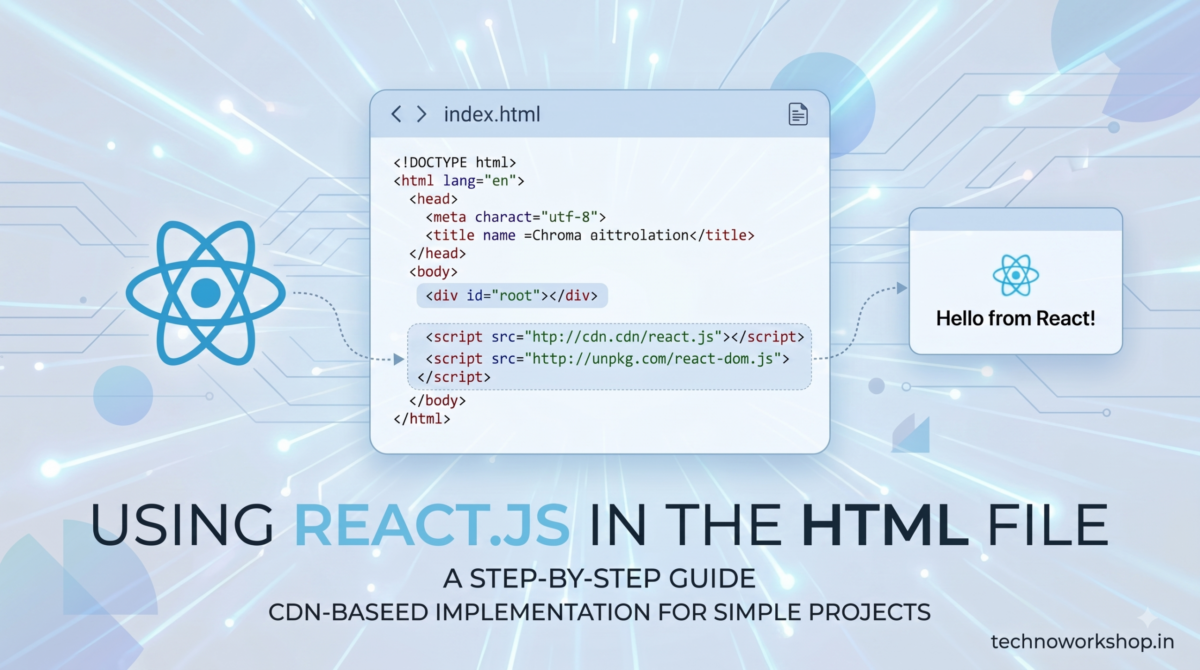
Last updated: July 2026 — uses the modern createRoot API
You don’t need Node, npm, or a bundler to try React. Three script tags in an HTML file are enough for learning, prototypes, or sprinkling one interactive widget into an existing site.
The complete file
<!DOCTYPE html>
<html>
<head>
  <meta charset="UTF-8">
  <title>React in HTML</title>
  <script crossorigin src="https://unpkg.com/react@18/umd/react.production.min.js"></script>
  <script crossorigin src="https://unpkg.com/react-dom@18/umd/react-dom.production.min.js"></script>
  <script src="https://unpkg.com/@babel/standalone/babel.min.js"></script>
</head>
<body>
  <div id="root"></div>

  <script type="text/babel">
    function Counter() {
      const [count, setCount] = React.useState(0);
      return (
        <div>
          <h2>Clicked {count} times</h2>
          <button onClick={() => setCount(count + 1)}>Click me</button>
        </div>
      );
    }

    const root = ReactDOM.createRoot(document.getElementById('root'));
    root.render(<Counter />);
  </script>
</body>
</html>
Open it in a browser — a working React component with state, no installation.
The pieces, briefly
- react / react-dom — the library and its DOM renderer, loaded as globals (
React,ReactDOM). - @babel/standalone — compiles JSX in the browser, which is why the script tag is
type="text/babel". Without it, JSX’s<Counter />syntax is a JS error. - createRoot — the React 18+ mounting API. Older tutorials show
ReactDOM.render(<App/>, el), which is deprecated; if you copy legacy snippets, swap them to thecreateRootform above.
Skipping JSX entirely also works — React.createElement('button', {onClick}, 'Click me') — and drops the Babel dependency, at the cost of readability.
Honest limitations
In-browser Babel compiles on every page load, so this setup is not for production: it’s slower, ships megabytes of compiler, and can’t use npm packages or import. It’s a sandbox.
When you outgrow it
The moment you want multiple components in separate files or any npm library, create a real project — it takes one minute:
npm create vite@latest my-app -- --template react
cd my-app && npm install && npm run dev
Everything you wrote in the HTML file carries over unchanged — same components, same hooks — now with instant reload and production builds. And if your backend is Laravel, Breeze + Inertia sets React up inside Laravel directly..