
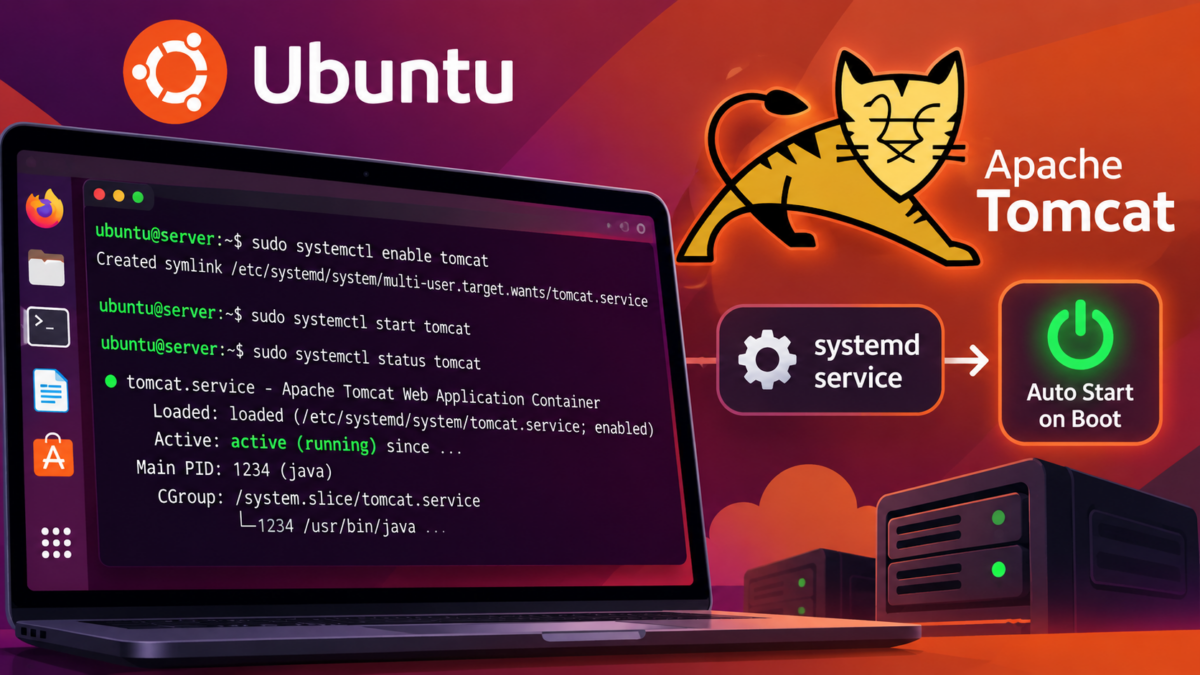
Last updated: July 2026 — systemd unit updated for Tomcat 10/11 and Ubuntu 22.04/24.04
If you installed Tomcat from the official tarball into /opt/tomcat, it doesn’t survive a reboot until you tell systemd about it. One unit file fixes that permanently.
1. Prerequisites (5 minutes)
A dedicated user, and knowing where Java lives:
sudo useradd -m -U -d /opt/tomcat -s /bin/false tomcat
sudo chown -R tomcat:tomcat /opt/tomcat
readlink -f $(which java)
# → /usr/lib/jvm/java-21-openjdk-amd64/bin/java  → JAVA_HOME is the part before /bin/java
2. The systemd unit
# /etc/systemd/system/tomcat.service
[Unit]
Description=Apache Tomcat
After=network.target

[Service]
Type=forking
User=tomcat
Group=tomcat

Environment="JAVA_HOME=/usr/lib/jvm/java-21-openjdk-amd64"
Environment="CATALINA_HOME=/opt/tomcat"
Environment="CATALINA_BASE=/opt/tomcat"
Environment="CATALINA_PID=/opt/tomcat/temp/tomcat.pid"
Environment="CATALINA_OPTS=-Xms512m -Xmx1024m"

ExecStart=/opt/tomcat/bin/startup.sh
ExecStop=/opt/tomcat/bin/shutdown.sh
Restart=on-failure
RestartSec=10

[Install]
WantedBy=multi-user.target
Adjust JAVA_HOME, the paths, and the memory flags to your box.
3. Enable and start
sudo systemctl daemon-reload
sudo systemctl enable --now tomcat
sudo systemctl status tomcat
enable --now both starts it and registers it for boot. Confirm it answers:
curl -I http://localhost:8080Then the real test: sudo reboot, and check systemctl status tomcat comes back active (running) on its own.
4. When it doesn’t start
journalctl -u tomcat -e            # systemd's view
tail -50 /opt/tomcat/logs/catalina.out   # Tomcat's view
The three failures I see most: wrong JAVA_HOME (unit says one path, machine has another — recheck with readlink), permissions (files owned by root after a manual upgrade — re-run the chown -R tomcat:tomcat), and port 8080 already taken (sudo ss -tlnp | grep 8080).
Package-install note: if you installed via sudo apt install tomcat10, Ubuntu already ships a unit — just run sudo systemctl enable tomcat10 and skip the file above. The manual unit is for tarball installs, which is how most people run current Tomcat versions.
Running a plain executable JAR instead of a servlet container? The same systemd pattern applies — see running a JAR from the terminal.
One thought on “Automatically Start Tomcat on System Startup in Ubuntu”
Comments are closed.