
Last updated: July 2026
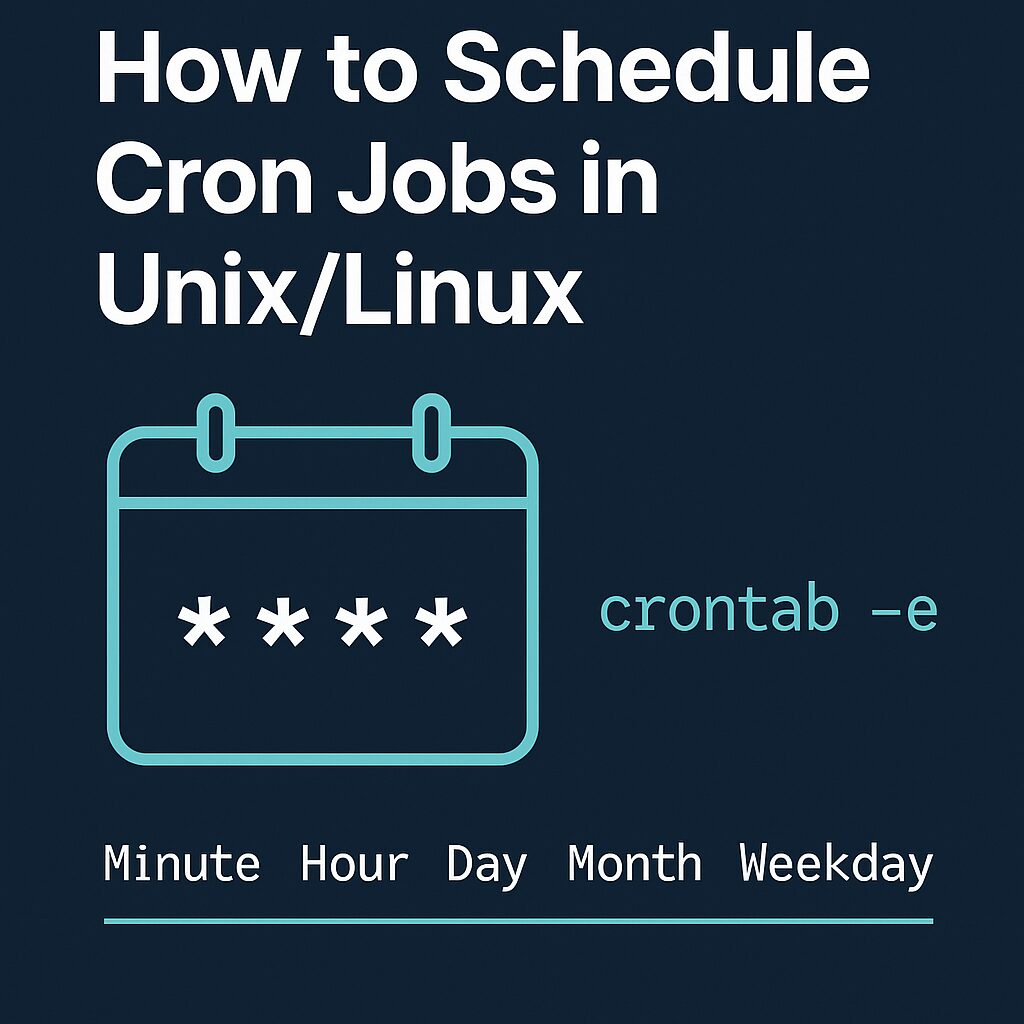
Cron runs commands on a schedule — backups at 2 a.m., a cleanup script every hour, a queue check every minute. The crontab command manages your personal schedule:
crontab -e    # edit your jobs (picks an editor on first run)
crontab -l    # list them
The 5-field syntax, decoded
┌───────── minute        (0–59)
│ ┌─────── hour          (0–23)
│ │ ┌───── day of month  (1–31)
│ │ │ ┌─── month         (1–12)
│ │ │ │ ┌─ day of week   (0–7, 0 and 7 = Sunday)
│ │ │ │ │
* * * * *  command to run
* means “every”, */5 means “every 5”, 1,15 lists values, 1-5 is a range.
Copy-paste schedule examples
*/5 * * * *   /home/user/scripts/check-queue.sh     # every 5 minutes
0 * * * *     /home/user/scripts/hourly.sh          # top of every hour
0 2 * * *     /home/user/scripts/backup.sh          # daily at 02:00
30 8 * * 1-5  /home/user/scripts/report.sh          # weekdays 08:30
0 0 1 * *     /home/user/scripts/monthly.sh         # 1st of month, midnight
@reboot       /home/user/scripts/on-boot.sh         # once at startup
@daily        /home/user/scripts/cleanup.sh         # shorthand for 0 0 * * *
Unsure about an expression? Paste it into crontab.guru — it translates cron syntax to English.
Capture the output (or you’re flying blind)
By default cron mails output to a local mailbox nobody reads. Log it instead:
0 2 * * * /home/user/scripts/backup.sh >> /var/log/backup.log 2>&12>&1 sends errors to the same file — the line you’ll be glad exists the night the backup fails.
The pitfall that breaks most cron scripts: environment
Cron runs with a nearly empty environment — PATH is just /usr/bin:/bin, no .bashrc, no aliases. A script that works in your terminal but “doesn’t run in cron” almost always fails for this reason. Defenses:
- Use absolute paths for commands and files:
/usr/bin/php /var/www/artisan schedule:run. - Or set PATH at the top of the crontab:
PATH=/usr/local/bin:/usr/bin:/bin. - Percent signs must be escaped (
\%) — they mean “newline” to cron, which is whydate +%Finside a crontab line mysteriously fails.
Two related notes
System-wide schedules can also live in /etc/cron.d/ with an extra user field — better for server provisioning than editing a user’s crontab. And if a job needs tight control over overlaps, dependencies, or logs, modern systemd timers are the heavier-duty alternative; for everything routine, cron remains the simplest tool that works. Editing the crontab happens in vi on most servers — the vi commands cheat sheet covers the save-and-quit dance.
2 thoughts on “Crontab: How to Schedule Cron Jobs in Linux (with Examples)”
Comments are closed.