
Last updated: July 2026
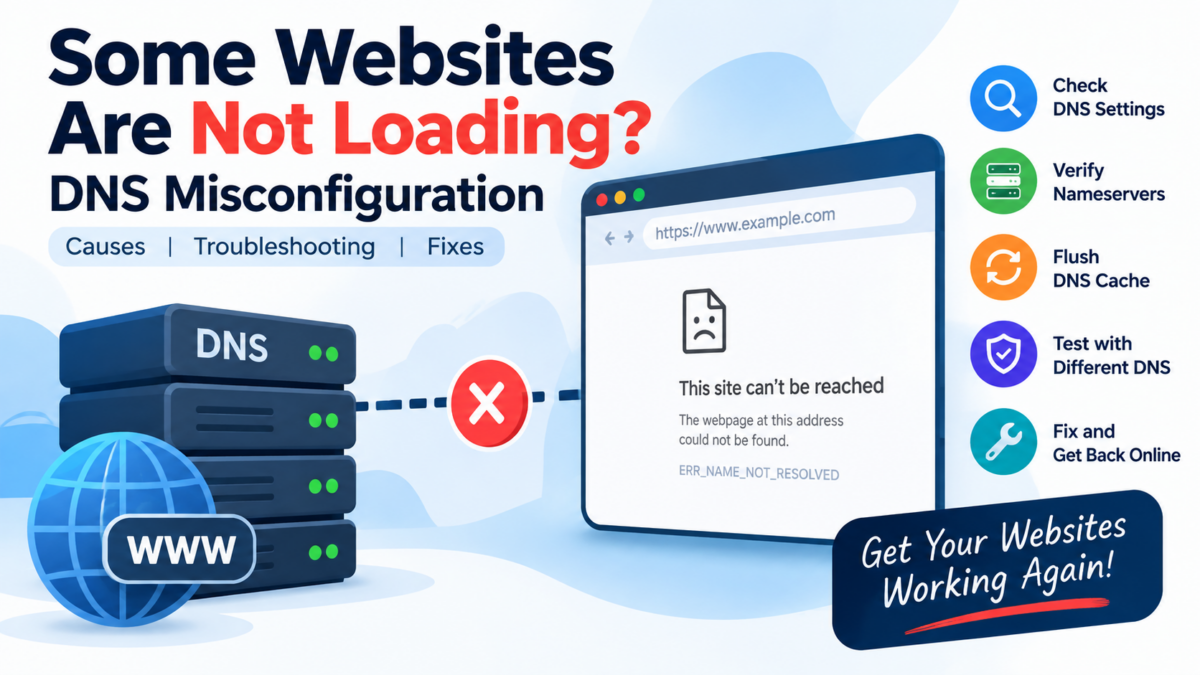
Most sites load fine, but a few consistently fail with “server not found” or DNS_PROBE_FINISHED_NXDOMAIN — while working on your phone’s mobile data. That pattern (some sites, some networks) is the signature of a DNS problem on your machine or router.
Step 1: Confirm it’s DNS
nslookup example.com
# or, more detail:
dig example.com
If this fails (SERVFAIL, NXDOMAIN, timeout) but nslookup example.com 8.8.8.8 succeeds, your configured resolver is the problem — Google’s public resolver answered fine. On Windows, run the same in PowerShell: nslookup example.com then nslookup example.com 8.8.8.8.
Step 2: Flush the DNS cache
A stale cached record keeps a fixed site broken for you long after it’s fixed for everyone else.
# Ubuntu (systemd-resolved)
sudo resolvectl flush-caches

# macOS
sudo dscacheutil -flushcache && sudo killall -HUP mDNSResponder
:: Windows (admin prompt)
ipconfig /flushdnsBrowsers keep their own cache too — in Chrome, visit chrome://net-internals/#dns → Clear host cache.
Step 3: Switch to a public resolver
ISP resolvers are the most common culprit — slow, flaky, or quietly filtering. Set Cloudflare (1.1.1.1) or Google (8.8.8.8):
- Ubuntu desktop: Settings → Network → gear icon → IPv4 → turn DNS Automatic off → enter
1.1.1.1, 8.8.8.8. - Ubuntu server (netplan): add under the interface:
nameservers: {addresses: [1.1.1.1, 8.8.8.8]}thensudo netplan apply. - Windows: Settings → Network → adapter → DNS server assignment → Manual.
- Better: set it on the router so every device benefits.
Retest the failing site immediately after.
Step 4: Check the hosts file
Malware, old dev entries, or “website blocker” tools leave overrides that beat DNS entirely:
cat /etc/hosts        # Linux/macOS
type C:\Windows\System32\drivers\etc\hosts   # Windows
Any line mapping the broken domain (e.g. 0.0.0.0 example.com) — delete it and save.
Still broken?
If dig resolves but the browser still fails, DNS is exonerated — you’re into HTTPS/firewall territory (try curl -I https://example.com to see the real error). If nothing resolves on your network but does elsewhere, reboot the router and check its DNS settings — consumer routers wedge their DNS forwarder more often than anyone admits. And if you run your own domain and other people can’t resolve your site, that’s a zone misconfiguration — verify your NS and A records with dig +trace yourdomain.com.